Jon C just ordered a Apple iPhone 14 Pro Max unlock code.
9 hours agoUnlocking Blog
Does Unlocking Affect 5G/Band Compatibility? What Users Should Know
Introduction: 5G Rollouts and Unlocking
The global rollout of 5G has transformed mobile connectivity. With faster speeds, lower latency, and improved reliability, 5G networks are now available in most major regions — from North America and Europe to Asia and the Middle East.
However, as users upgrade devices or switch carriers, one question keeps surfacing:
“If I unlock my phone, will it still support 5G?”
The short answer: Yes, unlocking your phone does not reduce its 5G performance. But understanding how band compatibility works can help you make smarter choices when switching networks, especially across regions.
This guide breaks down how unlocking interacts with 5G technology, what to check before switching carriers, and how to ensure maximum compatibility after your unlock.
Unlocking and Band Compatibility Explained
When you unlock your phone, you remove carrier restrictions — not hardware or network features. That means your phone remains technically capable of using every 4G and 5G frequency band it was designed to support.
What Unlocking Actually Does
It doesn’t add new bands. Unlocking doesn’t change the phone’s radio design. If your model lacks a specific 5G frequency, unlocking won’t add it.
It doesn’t downgrade connectivity. Unlocking cannot make a 5G-compatible phone slower or less capable.
It doesn’t void warranty or updates. IMEI-based unlocking keeps your phone fully compliant with software updates and warranty coverage.
What Unlocking Does Not Do
It doesn’t add new bands. Unlocking doesn’t change the phone’s radio design. If your model lacks a specific 5G frequency, unlocking won’t add it.
It doesn’t downgrade connectivity. Unlocking cannot make a 5G-compatible phone slower or less capable.
It doesn’t void warranty or updates. IMEI-based unlocking keeps your phone fully compliant with software updates and warranty coverage.
Key takeaway: Unlocking expands network freedom — but 5G performance still depends on your device’s built-in band support and the carrier’s network infrastructure.
Understanding 5G connectivity Bands and Why They Matter
Every mobile network uses specific frequency bands to transmit data. These bands determine coverage range, speed, and reliability.
5G connectivity Bands Simplified
Low-band 5G (Sub-1GHz): Offers broad coverage but modest speed increases (similar to 4G).
Mid-band 5G (1–6GHz): Provides a balance of speed and range — widely used in most countries.
High-band 5G (mmWave): Delivers the fastest speeds but has a shorter range, typically found in urban areas or stadiums.
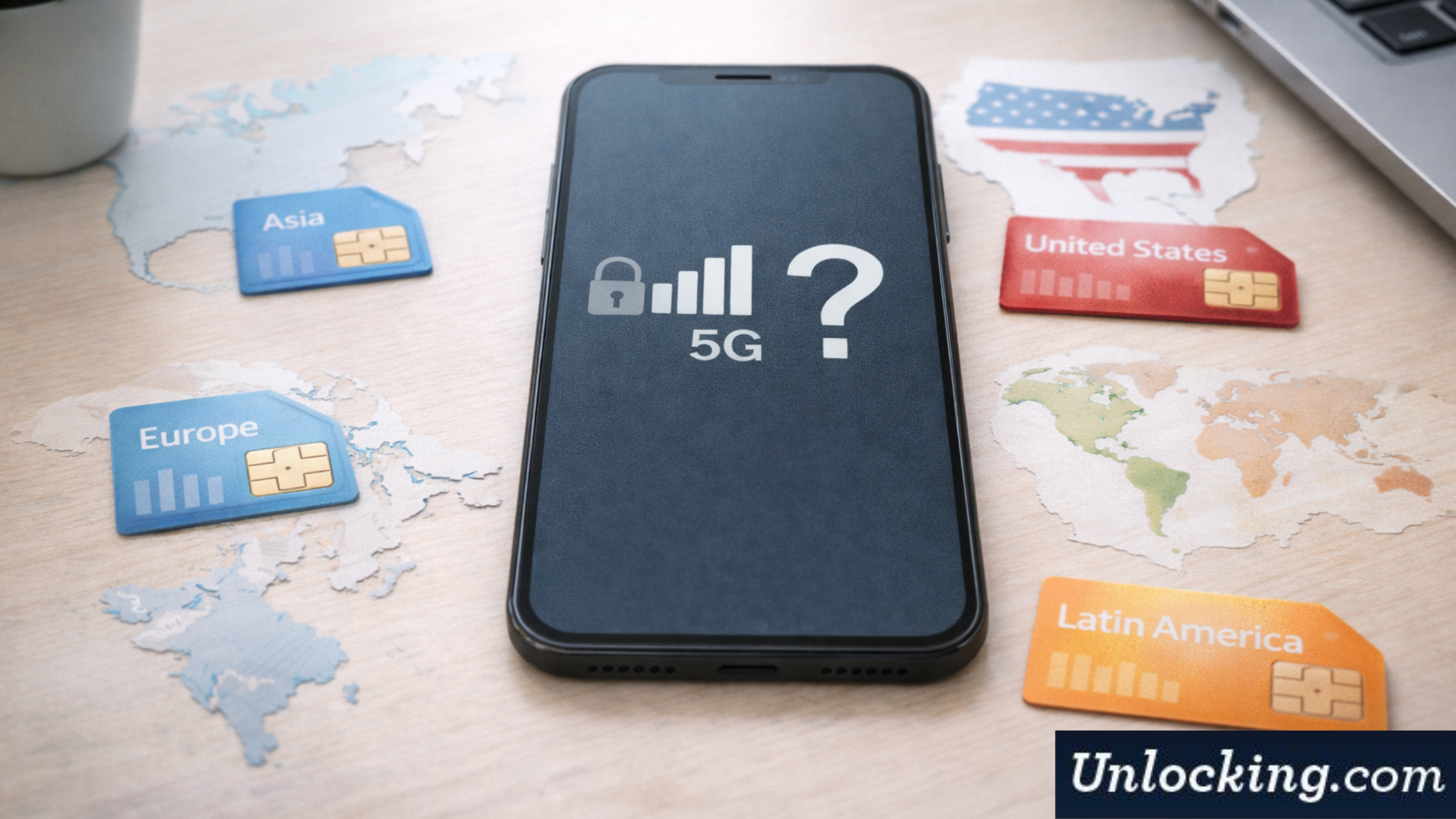
Each phone supports a different combination of these bands depending on where it was manufactured and sold. For example:
– A U.S. model may focus on Verizon’s n260/n261 mmWave bands.
– A European model might prioritize mid-band frequencies like n78.
This is why regional compatibility matters — unlocking your device frees it from carrier ties but cannot overcome physical hardware band limitations.
Carrier Differences in 5G Bands
Each carrier operates on its own set of 5G frequency bands. Here’s a quick overview of how they differ by region and why it’s important for unlocked phones.
United States
– Verizon: Uses a mix of mmWave (n260, n261) and mid-band (n77, n78).
– AT&T: Focuses on low-band (n5) and mid-band (n77).
– T-Mobile: Runs primarily on n41 (mid-band) and n71 (low-band).
An unlocked phone designed for one U.S. carrier will usually work on others — but if it lacks support for certain high-frequency bands, coverage or speeds might vary.
Europe
European networks rely heavily on mid-band 5G connectivity (particularly n78 and n1). Unlocked phones sold in the U.S. generally work in Europe, but mmWave-specific models may not perform at full potential if n78 support is limited.
Asia and the Middle East
In Asia, carriers often use unique bands like n40 or n79. While most globally released devices include these frequencies, some region-specific models (especially carrier-locked ones) may lack cross-region compatibility until unlocked.
Pro insight: Unlocking helps you use local SIMs abroad, but checking your device’s band compatibility ensures you get full 5G performance instead of falling back to 4G LTE.
Real-World Scenarios: How Unlocking Affects 5G Performance
Let’s look at a few practical examples.
Example 1: Traveling from the U.S. to Europe
You unlock your phone from AT&T before traveling to France. Your phone connects to Orange’s 5G network, but speeds seem slightly slower. Why? Because your phone supports AT&T’s n77 band but not Europe’s n78, limiting it to mid-speed coverage.
Solution: The phone still works perfectly, but verifying regional 5G bands before travel helps set realistic performance expectations.
Example 2: Importing a Phone from Asia
You buy a high-end Samsung or Xiaomi model designed for Asian markets. Once unlocked, it works flawlessly in the U.S. — except for missing mmWave 5G. That’s because your phone wasn’t designed for U.S.-specific high-band frequencies.
Solution: The phone remains 100% usable but won’t access Verizon’s mmWave speeds.
Example 3: Carrier Switch Within the Same Country
You unlock your T-Mobile device and move to Verizon. While both carriers use 5G, Verizon’s use of additional frequency bands (n260/n261) may not be supported by your original model.
Solution: Unlocking gives you freedom, but hardware differences may cause slight variations in speed or coverage.
Key takeaway: Unlocking enables carrier freedom but cannot compensate for hardware-specific band limitations — always check your phone’s supported 5G frequencies before switching.
What to Check Before Switching
Before changing carriers or using your phone abroad, it’s smart to confirm compatibility. Here’s what you should do:
Step 1: Verify Supported Bands
Look up your phone’s 5G band list on the manufacturer’s website. Compare it to the carrier’s supported bands in your destination country.
Step 2: Confirm Unlock Status
Check if your phone is truly unlocked:
iPhone: Settings > General > About > Carrier Lock should read No SIM restrictions.
Android: Settings > Connections > Mobile Networks > Network Operators should allow you to manually search for other carriers.
If your device is still locked, request a permanent IMEI-based unlock to enable all compatible bands.
Step 3: Check for Dual SIM/eSIM Support
If your device supports both SIM and eSIM, ensure both are configured correctly. Some dual-SIM phones may limit 5G to one active SIM at a time.
Step 4: Update Carrier Settings
After switching, install carrier updates:
– Restart your phone.
– On iPhone, go to Settings > General > About — if an update appears, tap Install.
– On Android, updates usually install automatically when the new SIM is inserted.
Step 5: Test Connectivity
Use Speedtest or your carrier’s app to verify you’re connecting to 5G and not falling back to LTE.
Pro Tip: If you frequently travel or change carriers, opt for global models (factory-unlocked versions) that include broader band coverage.
Does Unlocking Affect 4G or 3G?
While this guide focuses on 5G, it’s worth noting that unlocking has no negative impact on 4G or 3G compatibility either. These technologies share many of the same principles — unlocking only removes carrier restrictions without altering the hardware or modem design.
In fact, a permanent unlock ensures smoother fallback between 5G, 4G, and LTE networks, especially when switching SIMs or using dual connectivity.
Conclusion: Unlock Your Phone for Full 5G Freedom
As 5G continues to expand worldwide, having an unlocked phone ensures you can take full advantage of this new generation of connectivity — across carriers, countries, and technologies.
Unlocking doesn’t reduce your phone’s 5G compatibility; it enhances your flexibility. Whether you’re upgrading, switching networks, or traveling, an IMEI-based permanent unlock ensures your device connects seamlessly to all supported 5G and global bands.
Our professional unlocking service guarantees maximum compatibility with 5G, 4G, and international frequency bands. We provide secure, carrier-approved IMEI unlocks that permanently free your device — no software risks, no hidden fees.
Unlock your phone now and experience the true power of 5G connectivity, anywhere in the world.
Get the feed

Recent Posts
- Unlock After Market Upgrades (Battery, Display)—What to Expect
- Does Unlocking Affect 5G/Band Compatibility? What Users Should Know
- What Does It Take to Permanently Unlock Your Phone?
- Unlocking eSIM vs Physical SIM: Steps That Actually Work (2026 Guide)
- iPhone 17 & iPhone 17 Plus: Complete Unlocking Guide
- Why SIM Unlocked Phones Are Your Best Defense Against Mobile Threats
- OPPO Phone SIM Unlock Simple Guide
Unlocking Feed
Sherice I just ordered a Apple iPhone 15 Pro Max unlock code.
9 hours ago
Alycia H just ordered a Apple iPhone 16e unlock code.
9 hours ago
Jayson T just ordered a Apple iPhone 12 unlock code.
11 hours ago
Comments