Shonta Z just ordered a Apple iPhone 15 Pro unlock code.
4 hours agoUnlocking Blog
Unlock After Market Upgrades (Battery, Display)—What to Expect
Introduction: aftermarket repairs unlock-Why Can They Affect Unlocking
Aftermarket repairs are common. Battery replacements extend device life, display swaps restore usability, moreover, refurbishments make phones more affordable. Yet many users notice unexpected issues afterward—especially when trying to unlock a device or switch carriers.
Understanding aftermarket repairs unlock considerations helps you avoid surprises. Repairs can change how a phone identifies itself to carrier systems, how firmware validates components, and additionally how network profiles behave. The good news: most repaired phones can still be unlocked permanently—when you know what to check and who to work with.
This guide explains the common post-repair issues, unlocking eligibility after upgrades, and the steps to verify your unlock status with confidence.
Common Issues After Aftermarket Upgrades
After a battery or display replacement, phones usually work fine day to day. However, a few repair-related changes can affect unlocking workflows.
Component Authentication Changes
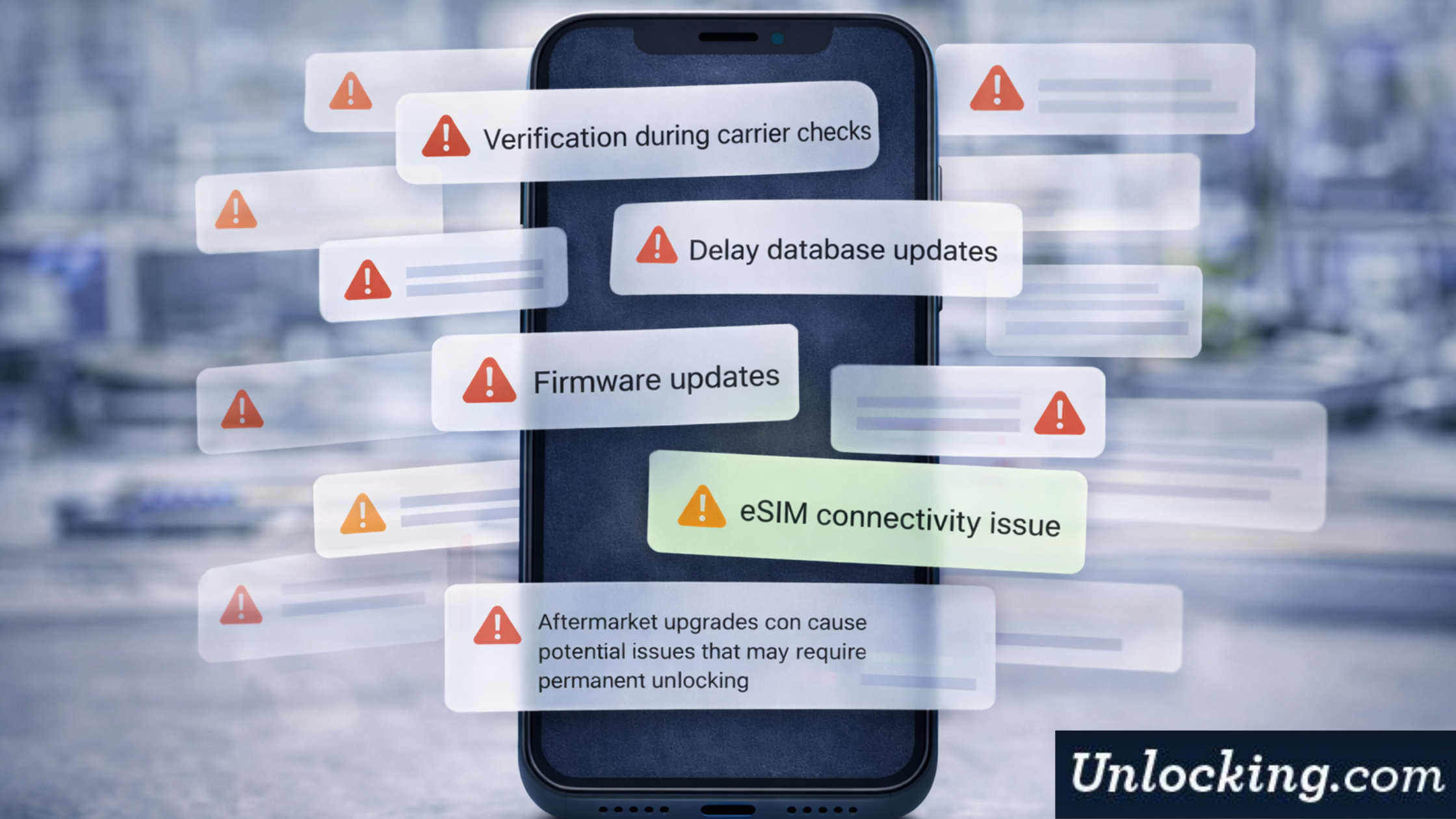
Modern smartphones authenticate key components. After a replacement, the system may log a component change. While this does not block unlocking by itself, it can:
Trigger extra verification during carrier checks
Delay database updates after an unlock request
Affect eSIM provisioning on some models
These effects are without a doubt manageable with the right approach.
Firmware and OS Re-Sync
Repairs often coincide with firmware updates or resets. During re-sync, the device reconnects to carrier servers to validate status. If the unlock was temporary or incomplete, the phone may appear locked again.
A permanent IMEI-based unlock avoids this risk because it updates the carrier database directly.
Refurbished Status Flags
Some repaired phones enter the market as refurbished. That label alone does not prevent unlocking, but it may add a review step if carrier records are incomplete. Clear IMEI records help keep timelines predictable.
Unlocking Eligibility After
Battery Replacement and Unlocking
Battery swaps rarely affect unlocking eligibility. The IMEI remains unchanged, and carriers rely on the IMEI—not the battery—for network authorization.
What to check after a battery replacement:
Confirm the device powers on and connects to Wi-Fi
Verify the IMEI matches the original (Settings or *#06#)
Restart once before submitting an unlock request
Display Replacement and Unlocking
Display replacements can affect Face ID, Touch ID, or sensor calibration, but they do not change the IMEI. Unlocking remains eligible as long as:
The phone passes basic activation
The OS recognizes the device normally
There are no loss or theft flags
If eSIM activation fails after a display swap, re-provisioning the eSIM usually resolves it after the unlock completes.
Multiple Repairs or Heavy Refurbishment
Devices with multiple repairs can still be unlocked. However, the key is clear identification: accurate model, carrier, and IMEI data. Professional services handle these cases routinely and set realistic timelines.
Steps to Verify Unlock Status After Replacement
Use these steps to confirm your phone’s status in order to prepare for a smooth unlock.
Step 1: Confirm the IMEI
Dial *#06# or check Settings → About. Ensure the IMEI matches the box or receipt. If it changed (rare), contact your repair center first.
Step 2: Check Current Lock Status
iPhone: Settings → General → About → Carrier Lock (should read “No SIM restrictions” if unlocked)
Android: Insert a SIM from another carrier and restart
If the phone rejects the SIM, proceed with unlocking.
Step 3: Test Network and eSIM (If Applicable)
After repairs, test with Wi-Fi and cellular. For eSIM devices, confirm the eSIM menu loads and accepts profiles.
Step 4: Submit an IMEI-Based Unlock Request
Choose a service that offers permanent IMEI unlocks. This method works reliably on repaired and refurbished devices because it updates carrier databases—not device software.
Step 5: Verify Post-Unlock
After confirmation, restart the phone and test with a different carrier SIM or eSIM. The unlock should persist through resets and updates accordingly.
When to Contact the Carrier or an Unlocking Partner
Contact the Carrier If:
You recently completed a financed plan and need eligibility confirmation
The device was purchased directly from the carrier and records need updating
Contact a Professional Unlocking Partner If:
The device was repaired or refurbished
Carrier timelines are unclear or slow
You need support across SIM and eSIM
You want a permanent solution that survives updates
Professional partners specialize in unlock modified phones and would certainly handle edge cases efficiently.
Myths About Unlocking Repaired Phones
“Aftermarket parts block unlocking”
False. Unlocking relies on IMEI and carrier records, not replacement parts.
“Only original components allow unlocks”
Incorrect. Official IMEI-based unlocks remain valid regardless of battery or display changes.
“Refurbished phones can’t be unlocked”
Not true. Many refurbished devices unlock permanently with the right process.
Best Practices Before and After Repairs
Document repairs: Keep receipts and dates
Avoid unnecessary resets until the unlock completes
Update the OS after unlocking, not before, if timing matters
Choose permanent methods to prevent relock after updates
These steps keep timelines predictable in addition to durable results.
Conclusion: Unlocking Works—Even After Repairs
Aftermarket upgrades extend device life and, furthermore, value. They don’t have to limit your freedom. On the contrary, with the right checks and a permanent approach, aftermarket repairs unlock scenarios resolve cleanly and reliably.
Our unlocking service works on repaired and also refurbished devices. We provide permanent IMEI-based unlocks with transparent timelines and expert support—so your phone stays flexible after any upgrade.
Ready to unlock your repaired device with confidence? Contact us today and get started.
Get the feed

Recent Posts
- Unlock Delay Beyond 60 Days—What to Do?
- Unlock Checks: How to Verify Your Phone Is Truly Unlocked
- Comparing Unlocking Services: Why Cheaper Isn’t Always Better
- Unlocking Refurbished Phone: Key Considerations
- Unlock After Market Upgrades (Battery, Display)—What to Expect
- Does Unlocking Affect 5G/Band Compatibility? What Users Should Know
- What Does It Take to Permanently Unlock Your Phone?
Unlocking Feed
Zula K just ordered a Apple iPad unlock code.
9 hours ago
Lisha T just ordered a Apple iPhone 6 unlock code.
10 hours ago
Kathe O just ordered a Apple iPhone 13 Pro Max unlock code.
10 hours ago
Comments