Jonelle F just ordered a Doro 6520 unlock code.
22 minutes agoUnlocking Blog
Unlock Checks: How to Verify Your Phone Is Truly Unlocked
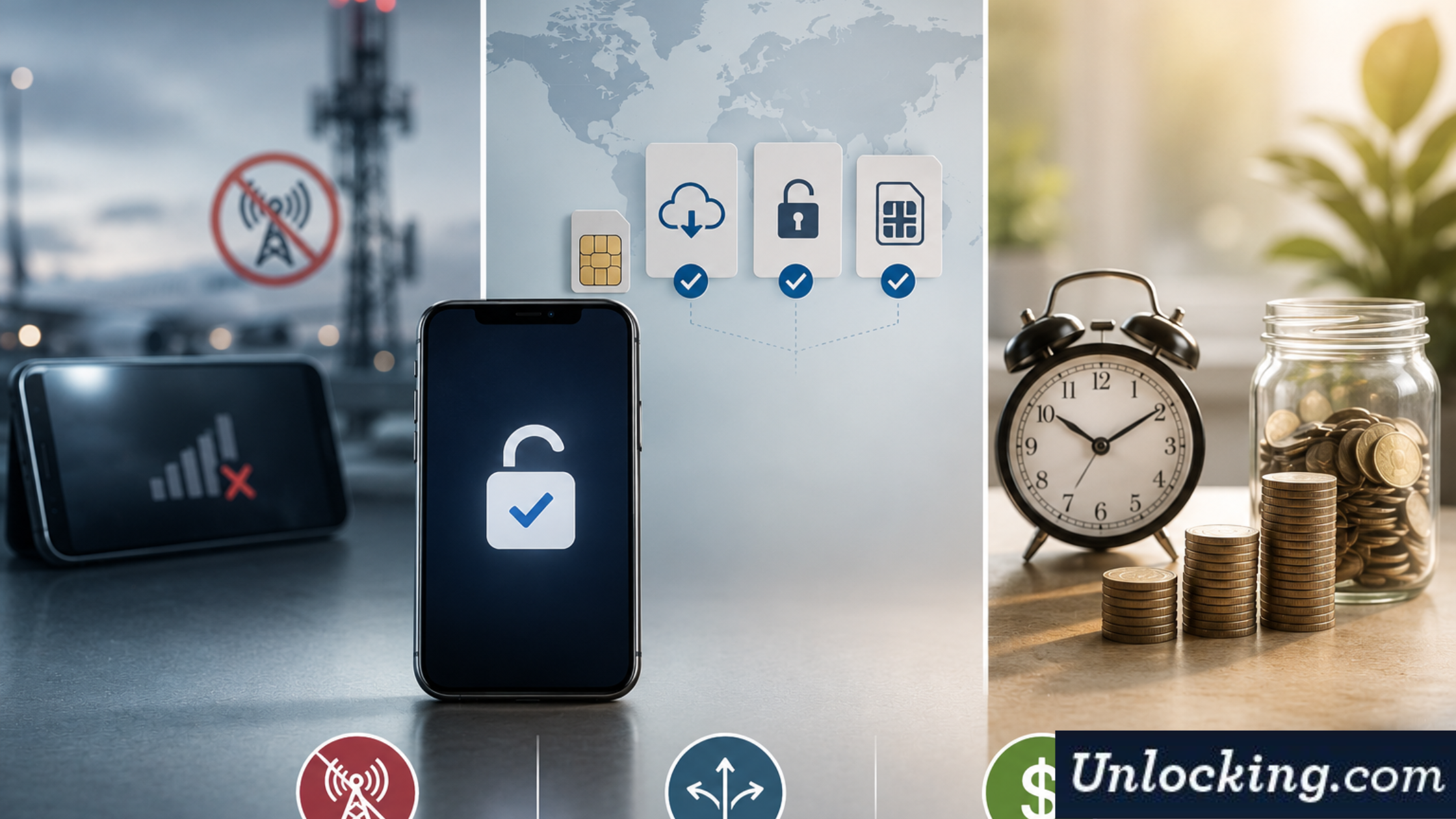
Before switching carriers or traveling, it’s essential to check if phone is unlocked. Many users assume their device is ready for use on any network, only to discover restrictions later.
In 2026, unlocking processes are more advanced—but so are carrier policies and device configurations. This makes proper verification more important than ever.
A quick and accurate check helps you:
-Avoid unexpected network issues
-Choose the correct unlocking method if needed
– Save time and unnecessary costs
Let’s walk through how to verify your phone’s unlock status correctly on both iPhone and Android devices.
Check If Phone Is Unlocked: iPhone Methods
Firstly, Apple devices offer several reliable ways to confirm unlock status. Combining methods certainly gives the most accurate result.
Method 1: Check in Settings
This is undeniably the fastest way to check if phone is unlocked on an iPhone.
Steps:
1. Open Settings
2.Go to General
3.Tap About
4.Look for Carrier Lock
What it means:
“No SIM restrictions” → Device is unlocked
Any other message → Device is locked
Method 2: SIM Card Test
A physical test confirms real-world functionality.
Steps:
1. Firstly, insert a SIM card from a different carrier
2. Secondly, restart the device
3. Check if the network connects
Result:
If it connects → Unlocked
If it shows an error → Still locked
Method 3: IMEI Check
An IMEI check, however, provides deeper insight into device status.
This method can confirm:
-Carrier lock status
-Original network
-Eligibility for unlocking
It’s one of the most reliable ways to verify unlock status before taking further action.
Check If Phone Is Unlocked: Android Methods
Android devices vary by manufacturer, but the verification logic remains similar.
Method 1: Network Settings Check
Some Android phones display lock status in settings.
Steps:
1. Open Settings
2. Go to Connections or Network & Internet
3. Check SIM or carrier status
Not all devices show this clearly, so additional testing is recommended.
Method 2: SIM Card Test
Similarly with iPhone, a SIM test is a practical way to confirm unlock status.
Steps:
1. Insert a SIM from another carrier
2. Restart the phone
3. Observe network behavior
Result:
Signal appears → Unlocked
“SIM not supported” → Locked
Method 3: IMEI Verification
An IMEI-based check is the most reliable method for Android devices.
It helps confirm:
Current lock status
Carrier restrictions
Device history
This method is especially useful for refurbished or second-hand phones.
Common Mistakes When Verifying Unlock Status
Even experienced users sometimes misinterpret results. Avoid these common mistakes when you check if phone is unlocked.
Relying on One Method Only
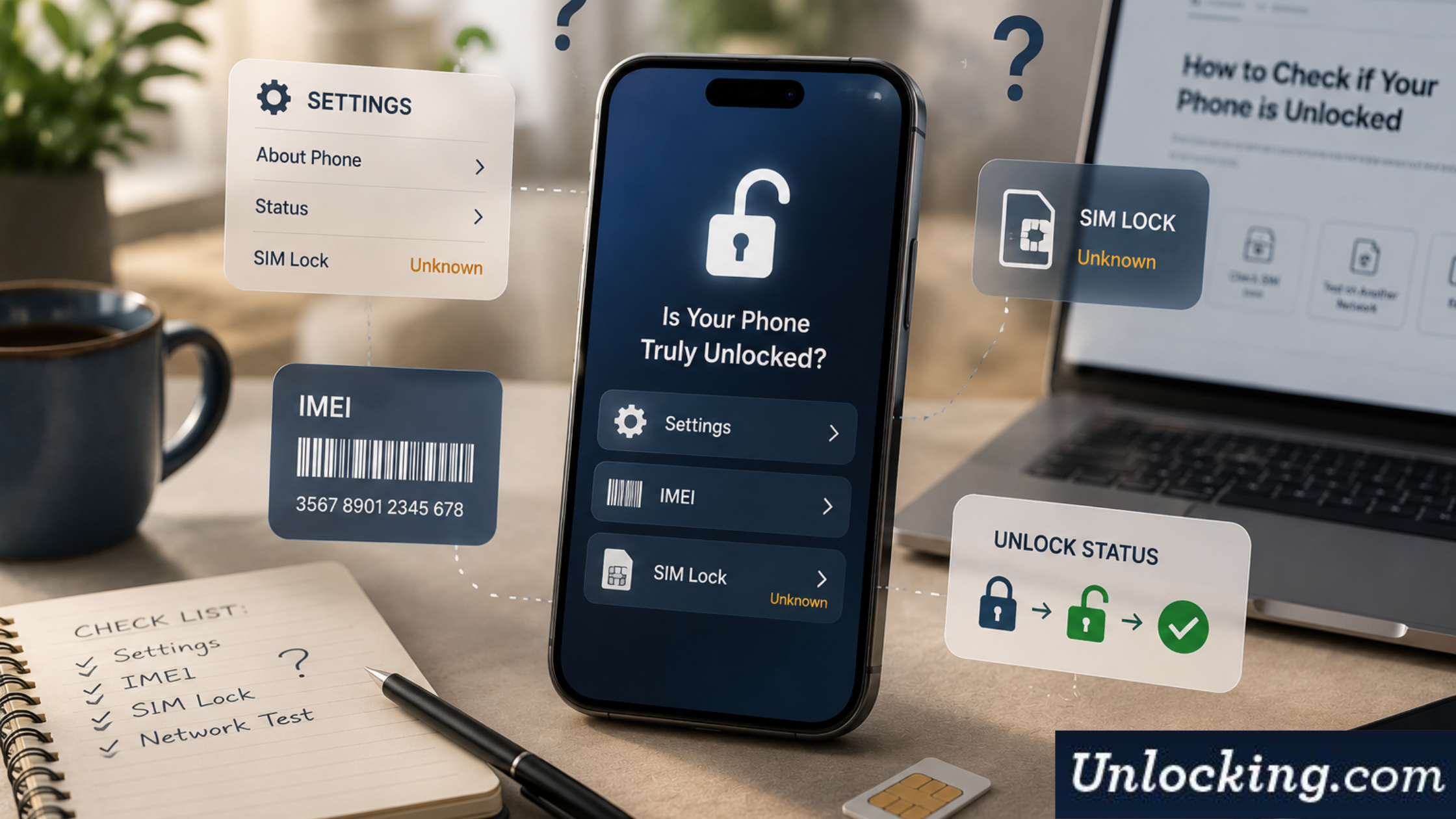
A single check may not give the full picture. However, combination of the following checks may provide the best results:
-Settings check
-SIM test
-IMEI verification
Assuming “No Signal” Means Locked
Sometimes network issues are unrelated to locking. They may result from:
Coverage problems
Unsupported frequency bands
SIM card issues
Always confirm with multiple methods.
Confusing Bootloader Unlock with SIM Unlock
Bootloader unlocking does not remove carrier restrictions.
A phone can be:
Bootloader unlocked
Still carrier locked
These are completely different processes.
Misinterpreting Online Results
Some free tools, however, provide incomplete or outdated information.
Therefore, reliable IMEI checks use accurate carrier data and provide detailed reports.
Tools to Confirm Unlock Status
IMEI Check Services
Professional IMEI check tools are undoubtedly the most accurate way to verify unlock status.
They provide:
-Carrier lock confirmation
-Device origin
-Unlock eligibility
This helps you make informed decisions before purchasing or unlocking a device.
Carrier Support
Contacting the original carrier can also confirm lock status.
However, this may involve:
-Waiting times
-Limited information
-Additional verification steps
Why IMEI Checks Matter Before Unlocking
An IMEI check is indeed not the same as unlocking—it is an important diagnostic step.
It helps you:
-Choose the correct unlocking method
-Avoid unnecessary costs
-Prevent delays
However, checks are often misunderstood. They are not misleading— they simply provide information.
Unlocking itself is a separate process and typically costs more because it involves actual carrier-level changes.
Conclusion: Verify Before You Unlock
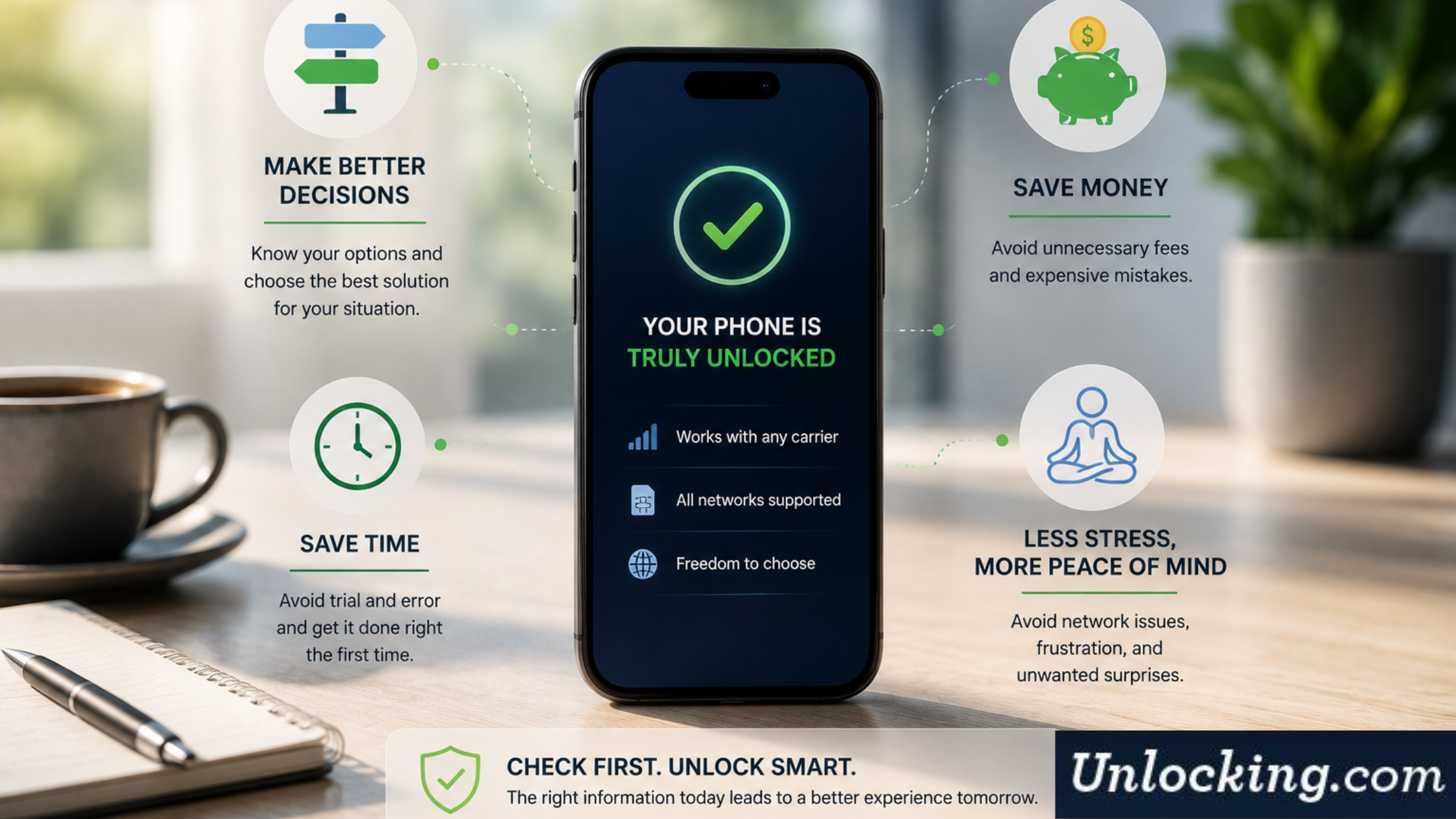
Overall, taking a few minutes to check if phone is unlocked can save time, money, and frustration. Proper verification ensures you understand your device’s status before making any decisions.
Using a combination of settings checks, SIM testing, and IMEI verification undoubtedly provides the most accurate results.
Our IMEI check service gives you clear, reliable information about your device before you proceed with unlocking. Furthermore, this helps you choose the right solution and avoid unnecessary costs.
If you want certainty before unlocking your phone, contact us today and get a precise unlock status check you can trust.
Get the feed

Recent Posts
- Unlock Delay Beyond 60 Days—What to Do?
- Unlock Checks: How to Verify Your Phone Is Truly Unlocked
- Comparing Unlocking Services: Why Cheaper Isn’t Always Better
- Unlocking Refurbished Phone: Key Considerations
- Unlock After Market Upgrades (Battery, Display)—What to Expect
- Does Unlocking Affect 5G/Band Compatibility? What Users Should Know
- What Does It Take to Permanently Unlock Your Phone?
Unlocking Feed
Kareem G just ordered a Samsung Galaxy S22 Ultra unlock code.
2 hours ago
Birgit Z just ordered a Samsung Galaxy S24 FE unlock code.
2 hours ago
Alva T just ordered a Apple iPhone 16 unlock code.
5 hours ago
Comments